
Safari extension -> official carrier pages
Open tracking numbers from Safari.
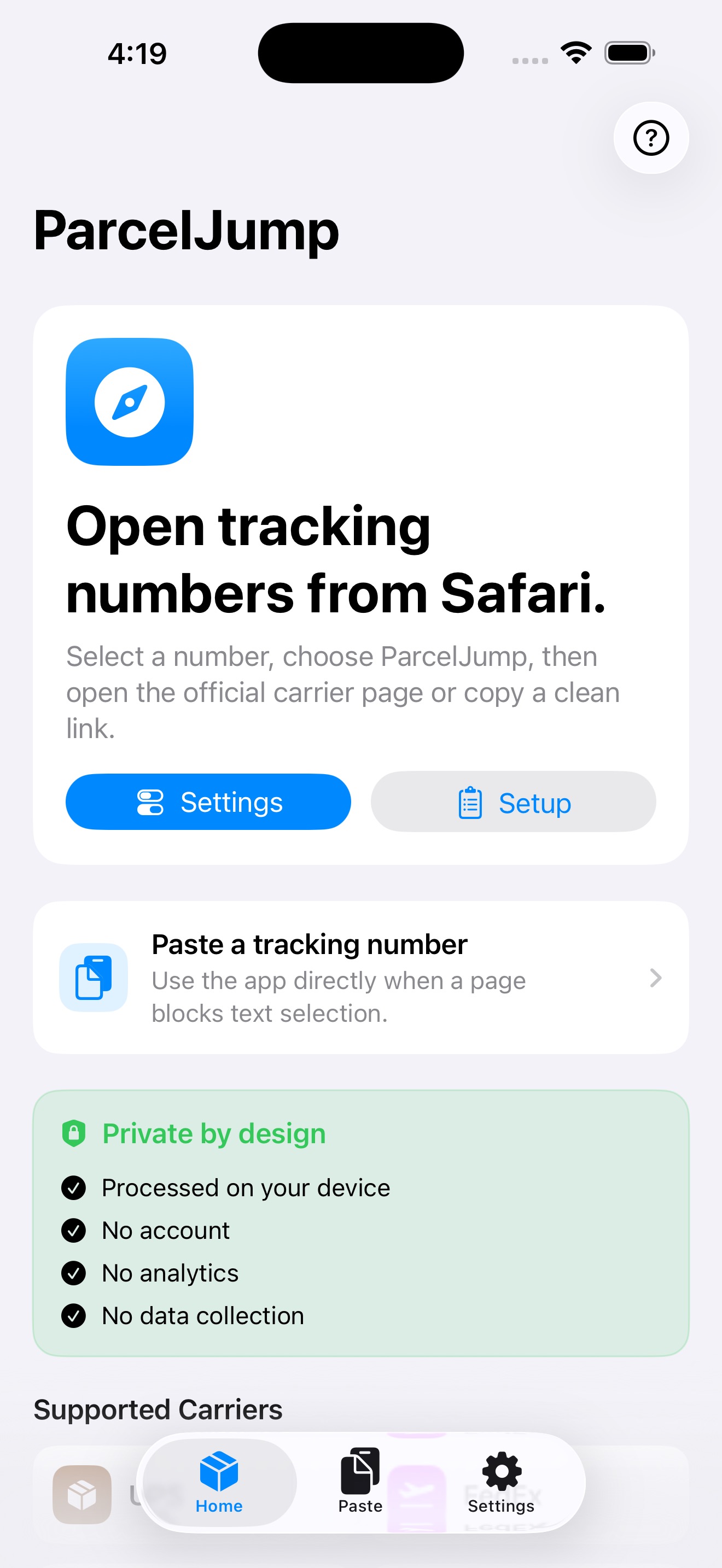
Select a package tracking number in Safari. ParcelJump detects likely carrier matches on your device, then opens the right official tracking page or copies a clean link.
Core capabilities
Small enough to stay focused. Complete enough for real package lookup.
Safari and Share Sheet
Open tracking numbers from the page you are already viewing.
Select a tracking number in Safari, then open ParcelJump from the Share Sheet or Safari extension. The app detects likely tracking numbers on device and prepares the official carrier link.Carrier choice
Review the best match before leaving the app.
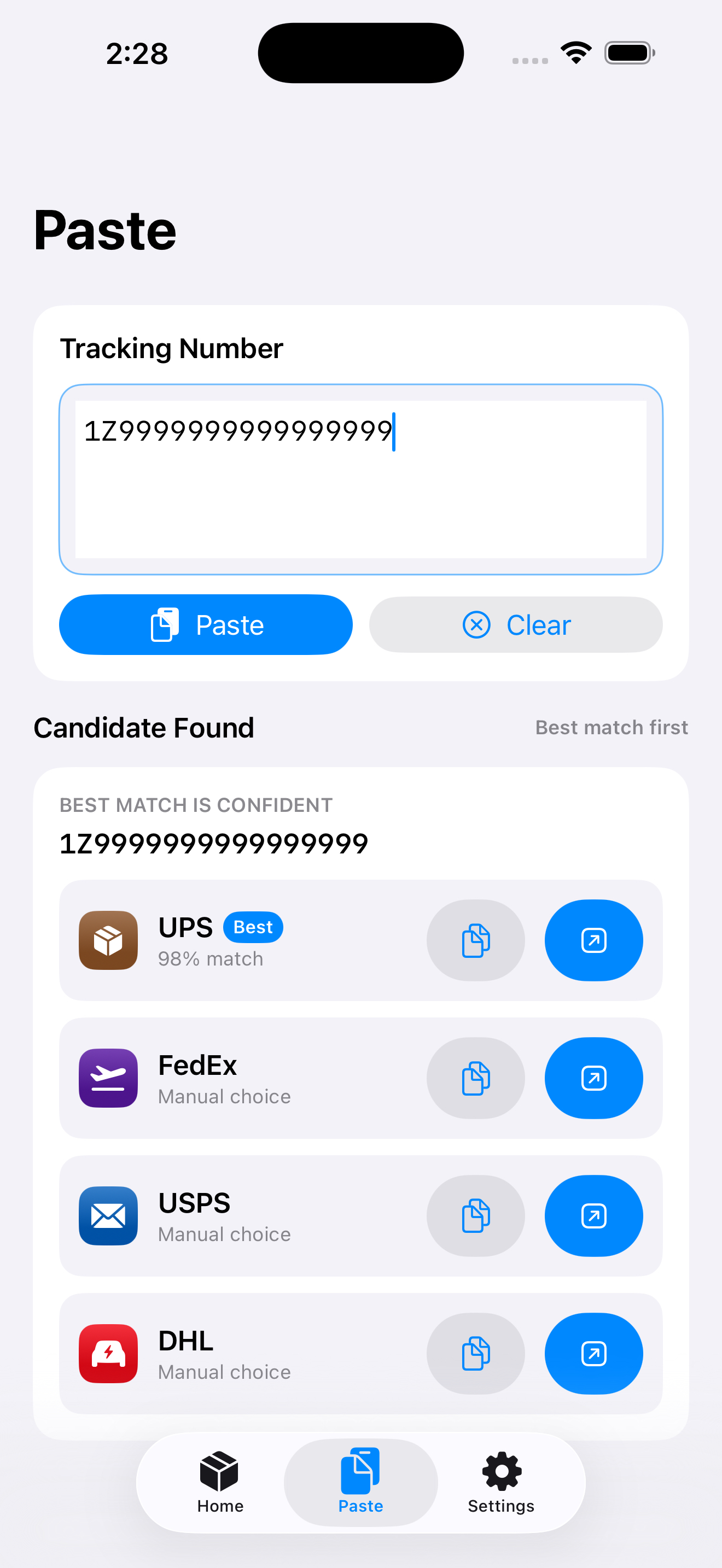
ParcelJump supports major carriers across the US, Japan, China, Korea, Germany, France, and global DHL/FedEx/UPS/USPS routes. When a number is ambiguous, carrier candidates stay visible so you can choose deliberately.Manual fallback
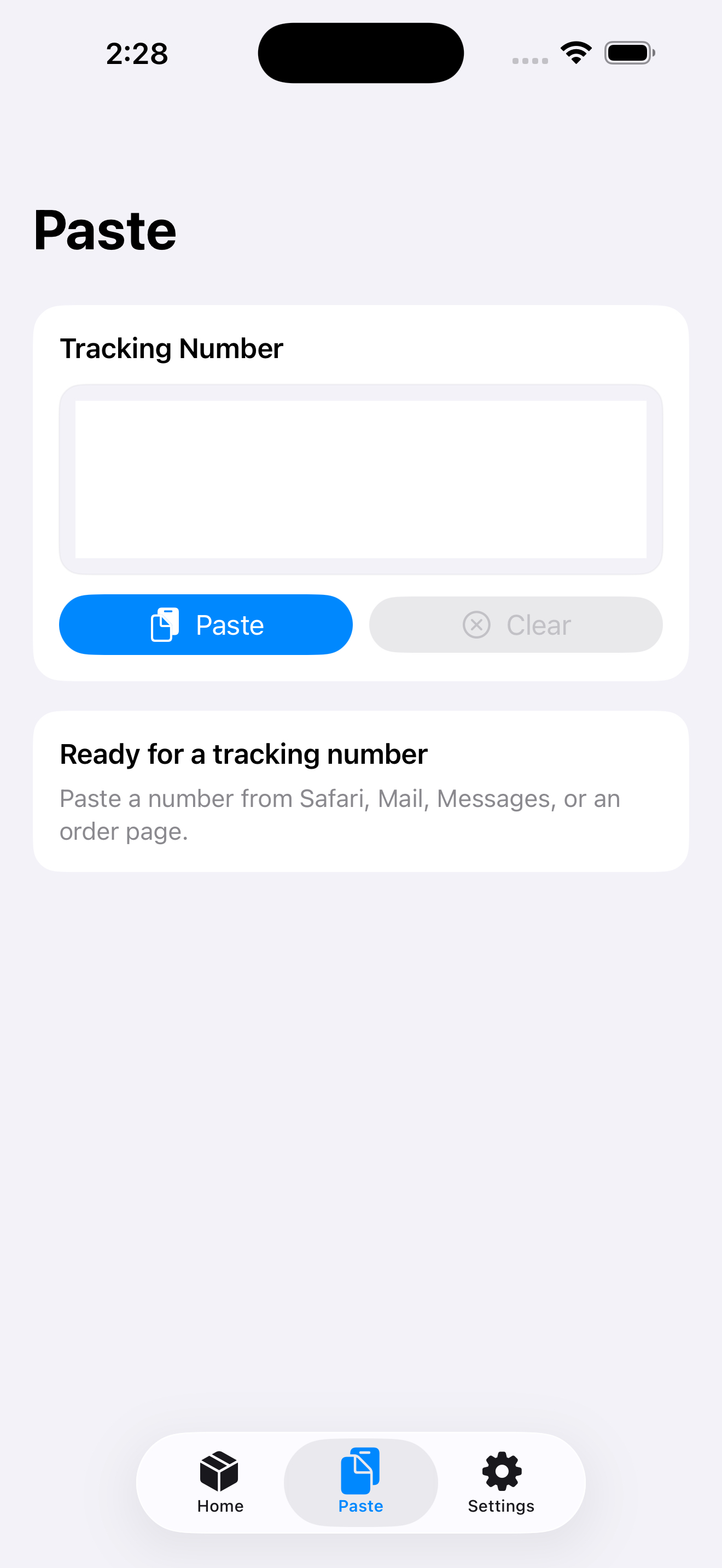
Paste directly when a site blocks text selection.
Some order pages do not let you select a tracking number. The main app gives you a quick paste path and can copy a clean official tracking link.Privacy by design
No account, no analytics, no tracking number collection.
Tracking numbers are processed locally on your device. ParcelJump does not upload webpage text, store package history, send notifications, or require sign-in.Supported carriers
Built for the carrier pages people actually need.
- UPS
- FedEx
- USPS
- DHL
- Japan Post
- Yamato Transport
- Sagawa Express
- SF Express
- China Post / EMS
- JD Logistics
- ZTO Express
- Korea Post
- CJ Logistics
- Hanjin
- Lotte Global Logistics
- Deutsche Post
- Hermes Germany
- DPD
- GLS
- La Poste / Colissimo
- Chronopost
- Mondial Relay
Product screenshots
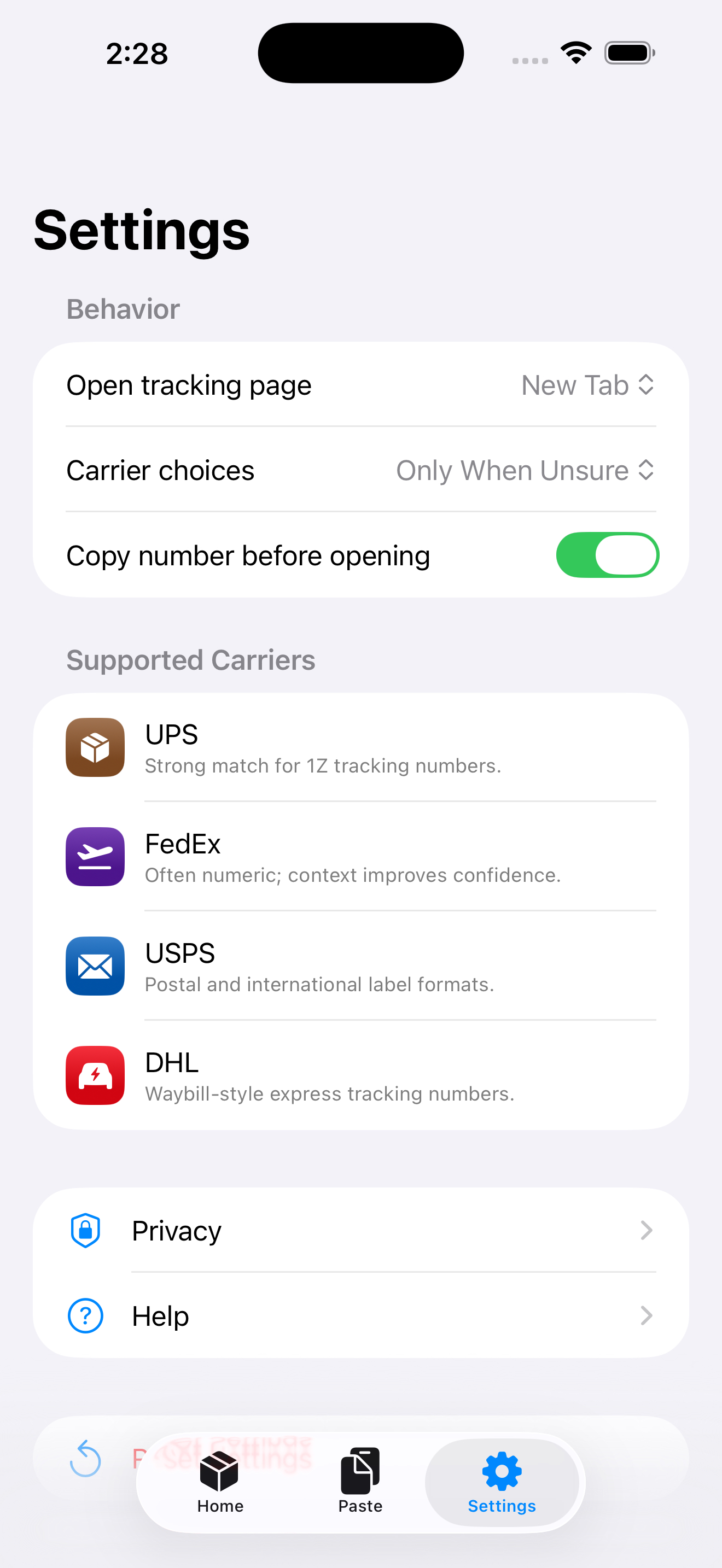
The public site uses the same App Store Connect screenshot set.
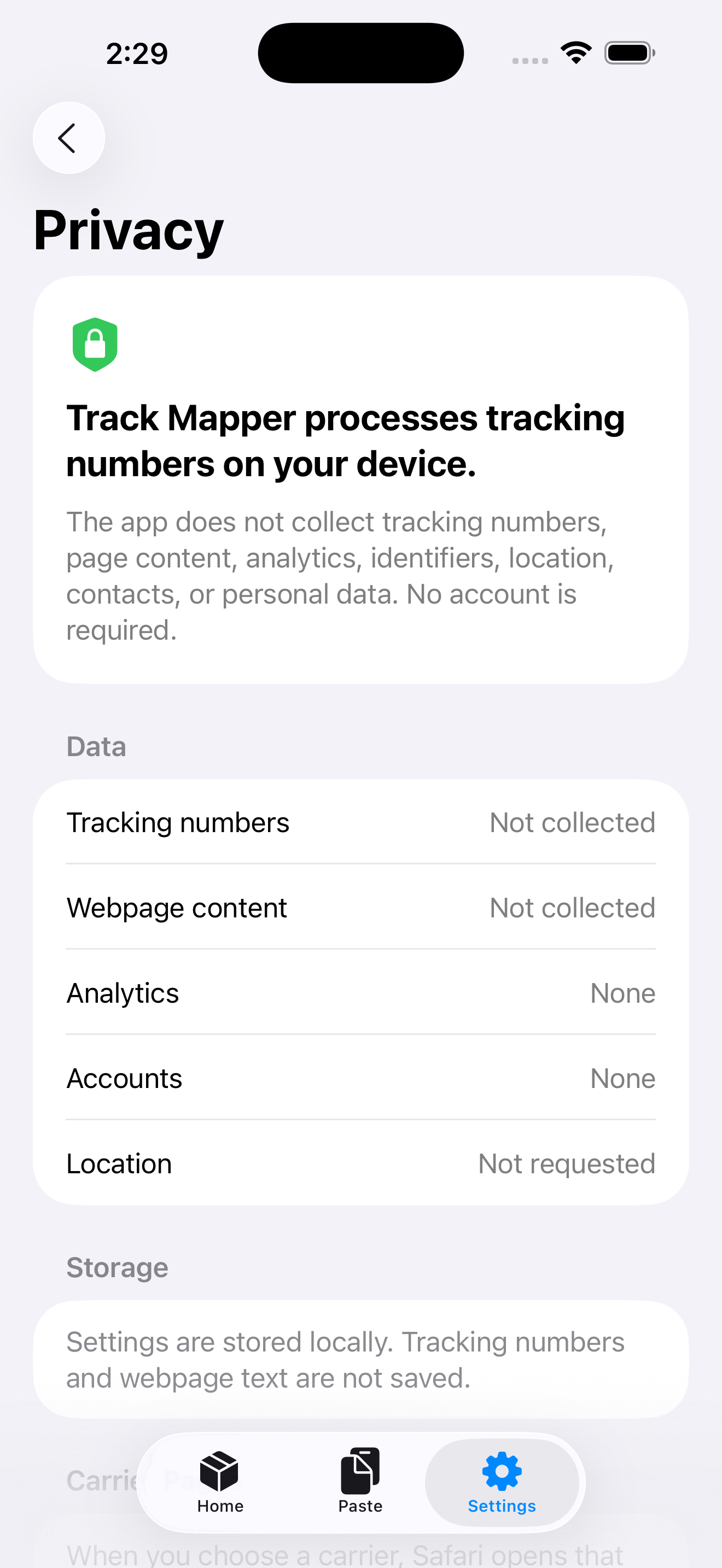
Privacy posture
ParcelJump is intentionally not a package manager.
It does not save package history, fetch delivery status, send notifications, or require an account. It only turns a tracking number you already have into the right official tracking page.